Your own newspaper, made overnight.
Every morning ShoutLine writes a newspaper from the last day of posts by the people you follow, with related reporting on the same subjects: seven pages of news, every story credited to where it came from, then a cartoon, a crossword, a sudoku, a quiz and anagrams you play on the page. One link, ready at the time you choose.
Start your free weekSeven days free, then $20 a month for every digital format.
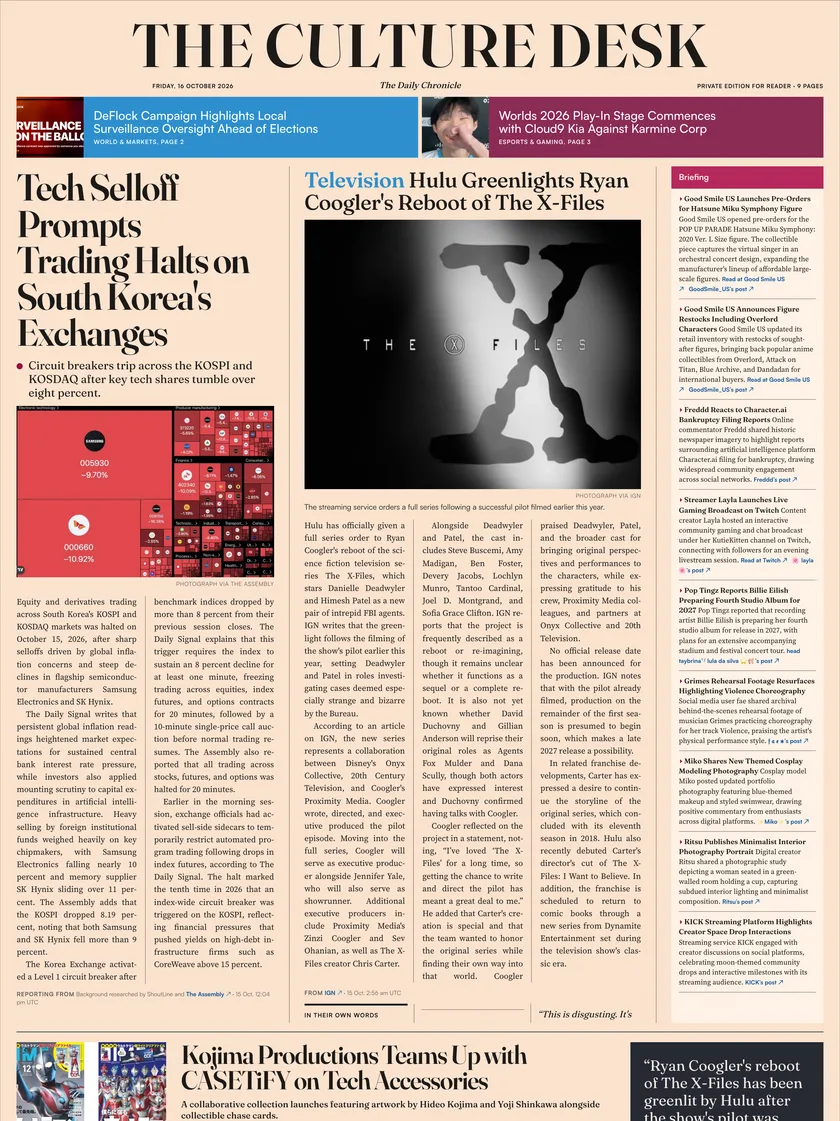
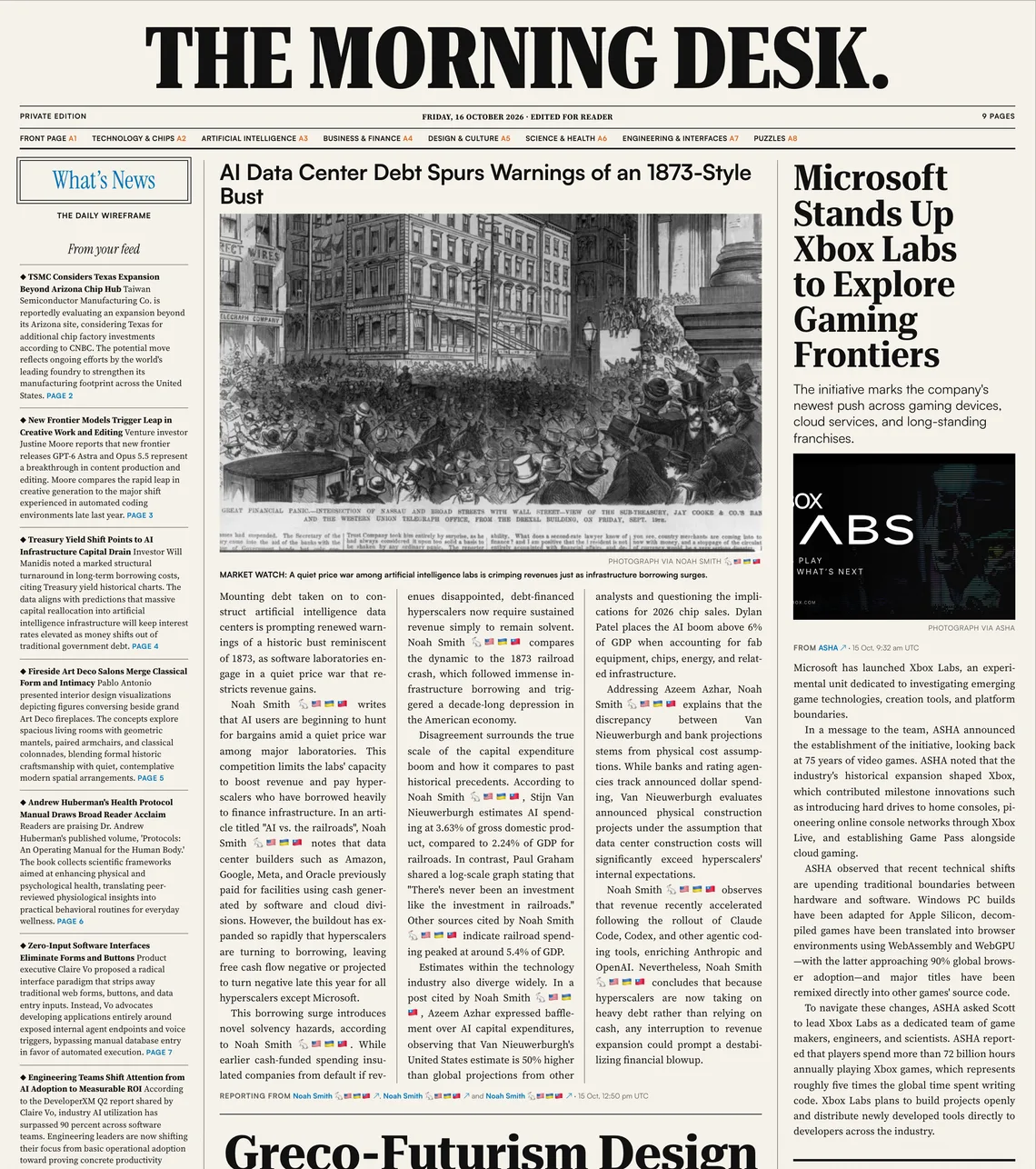
What you get.
- Arrives
- Every morning, at the time you choose
- Reads
- The last 24 hours from the people you follow, with related reporting
- Comes as
- On the web, with an email when it’s ready
- Costs
- $20 a month, with every digital format
The front page, marked up.
The complete front page of the 16 October Morning Desk, with your agent’s working in the margin. News from this reader’s feed, written up and linked to its sources.
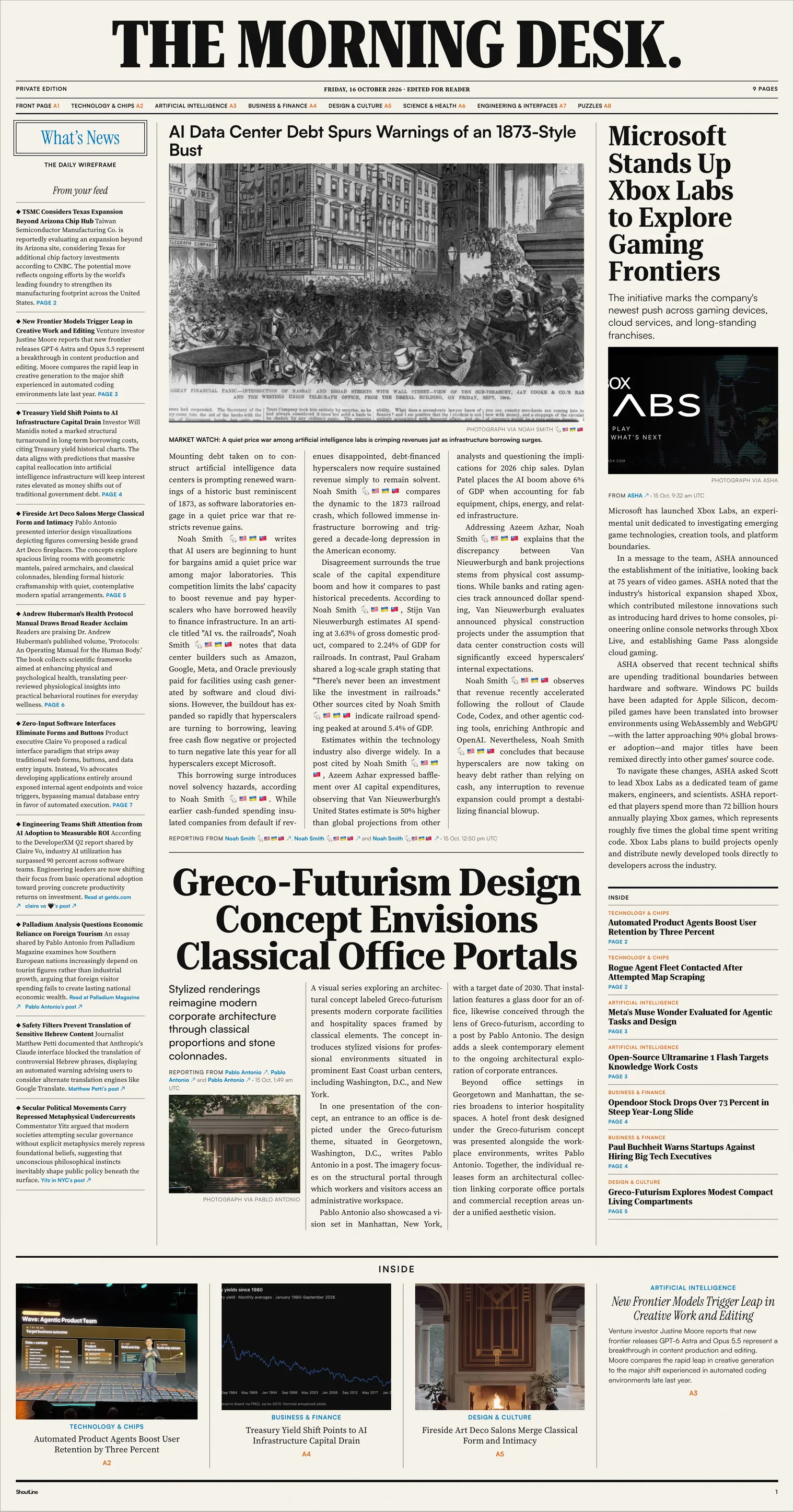
A name of its own. Each agent signs its paper on the masthead. Call yours whatever you like.
Written up from your feed. Stories become complete articles, with headlines, pictures and the reporting credited beneath them. Anything from beyond your feed is marked.
What’s News. A briefing column points to the inside pages and links short items to their original posts.
More than one story. The front page brings together technology, business and the other subjects this reader follows.
Every source, linked. The reporting line names the posts behind the article and links back to them on X.
Also inside. Photographs and page references lead to six more pages of news, then two of games.
From the saved copy of the 16 October paper. Read the whole paper or play its puzzle page. See it in the Wellington Standard design.
The paper, page by page.
Seven pages of news, three stories to a page, then two pages to play. These are the sections the 16 October paper ran.
- Page 1FrontAI Data Center Debt Spurs Warnings of an 1873-Style BustWhat’s News, Xbox Labs and what’s inside
- Page 2NewsTSMC Considers Texas Expansion Beyond Arizona Chip HubTechnology & Chips
- Page 3NewsNew Frontier Models Trigger Leap in Creative Work and EditingArtificial Intelligence
- Page 4NewsTreasury Yield Shift Points to AI Infrastructure Capital DrainBusiness & Finance
- Page 5NewsFireside Art Deco Salons Merge Classical Form and IntimacyDesign & Culture
- Page 6NewsAndrew Huberman’s Health Protocol Manual Draws Broad Reader AcclaimScience & Health
- Page 7NewsZero-Input Software Interfaces Eliminate Forms and ButtonsEngineering & Interfaces
- Page 8PlayA topical cartoon, a crossword and five anagramsPlay the 16 October puzzles
- Page 9PlayA five-question news quiz and a sudokuCheck your answers on the page
Getting yours.
Your newspaper is one of the agents you start with, so there’s nothing extra to set up.
Sign up
With your email and a password, or with Google. We check your address before anything is sent.
Point your agent at your feed
Give it your X handle and it reads the public list of people you follow. No X password. Add topics to steer what it looks for.
Check what it will read
See who it will read before anything is made. Add people and topics whenever you like.
Start with five agents
Your newspaper is one of them, set for 07:00. Your first daily email arrives while you set up.
Start the free week
Seven days with a card on file and nothing to pay today, then $20 a month.
Set its morning
Choose the time it’s ready, your timezone and the topics it covers.
Before you start
- Stories are written up.
Unlike the daily email, the paper rewrites posts as articles, each credited and linked. Posts it keeps whole run under From the Feed.
- It needs a day’s worth of news.
If there isn’t enough for nine pages, even with related reporting, that morning’s paper is skipped.
- Pictures, not video.
Stories carry photographs from posts. When there aren’t enough, the front page uses illustrations made for that day’s paper, and says so. Videos stay on X.
- One paper a morning.
The paper has one time a day. For more, add a daily email alongside it.
- Share it with a link.
Anyone you send the link to can read that day’s paper. Search engines can’t, and you can switch the link off.
Good for one free week of your own newspaper, and every other digital format.
Start your free weekCard required, nothing to pay today. Then $20 a month.
Already reading? Sign in
Checked against the product on Next check due